debugger
Baseline Widely availableThis feature is well established and works across many devices and browser versions. It’s been available across browsers since July 2015.
The debugger statement invokes any available debugging
functionality, such as setting a breakpoint. If no debugging functionality is available,
this statement has no effect.
Syntax
jsdebugger;
Examples
Using the debugger statement
The following example shows code where a debugger statement has been
inserted, to invoke a debugger (if one exists) when the function is called.
function potentiallyBuggyCode() {
  debugger;
  // do potentially buggy stuff to examine, step through, etc.
}
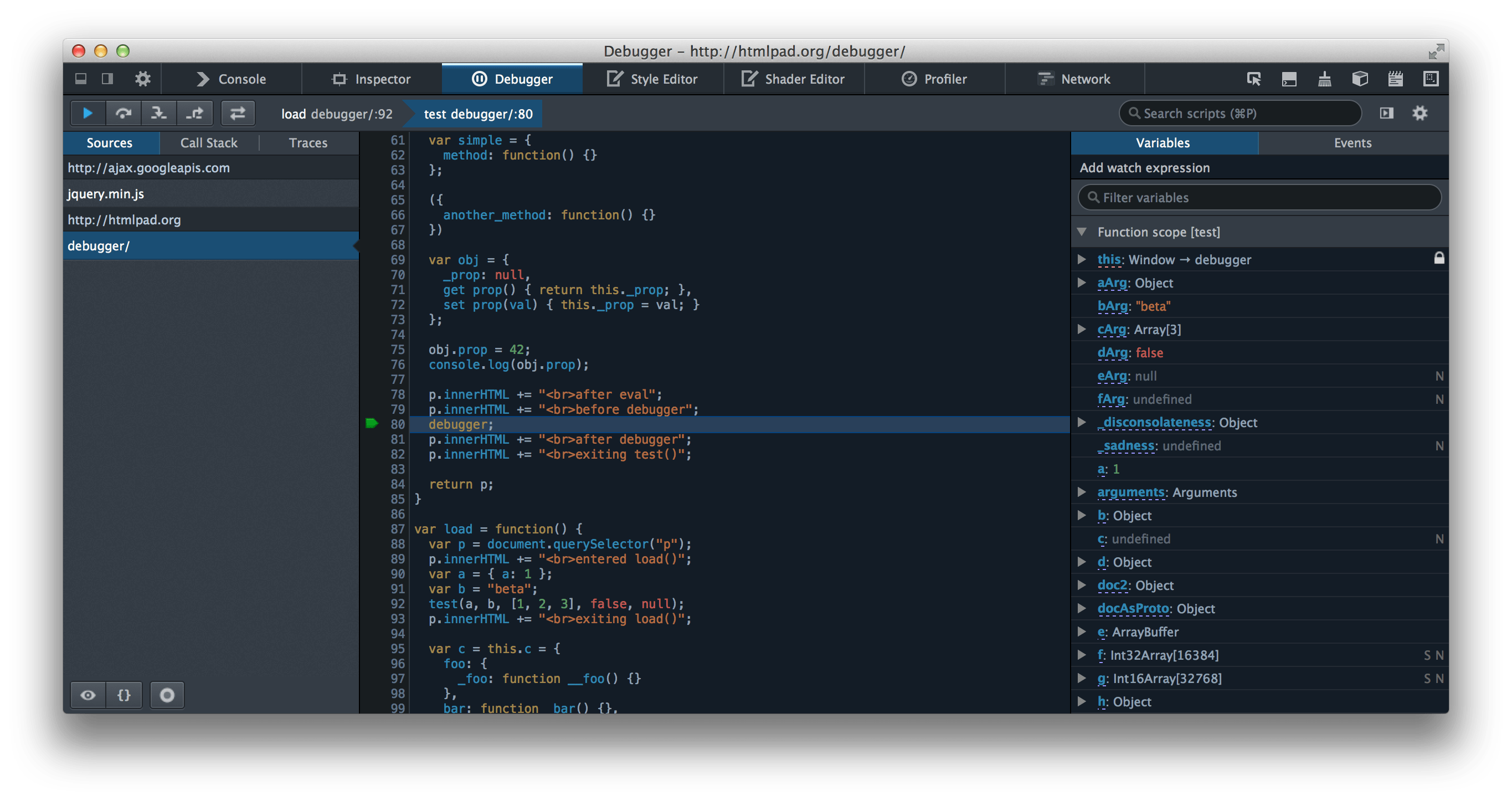
When the debugger is invoked, execution is paused at the debugger
statement. It is like a breakpoint in the script source.
Specifications
| Specification |
|---|
| ECMAScript® 2027 Language Specification # sec-debugger-statement |
Browser compatibility
See also
- The Firefox JavaScript Debugger in the Firefox source docs
Help improve MDN
Was this page helpful to you? Yes No Learn how to contributeThis page was last modified on Nov 17, 2026 by MDN contributors.
View this page on GitHub • Report a problem with this content